 Docker Manager







Docker Manager helps you
- run containers and stacks
- publish apps over HTTPS
- host your own DNS
- release without downtime
- back up your databases
- watch every container
A self-hosted web interface for your Docker servers. Containers, Compose stacks, HTTPS, DNS, databases, monitoring and security scanning, in one container, without subscriptions or feature gates.
See your whole server at a glance
Everything Docker can do, laid out in plain pages: what's running, what changed, what needs attention, and the button to fix it.
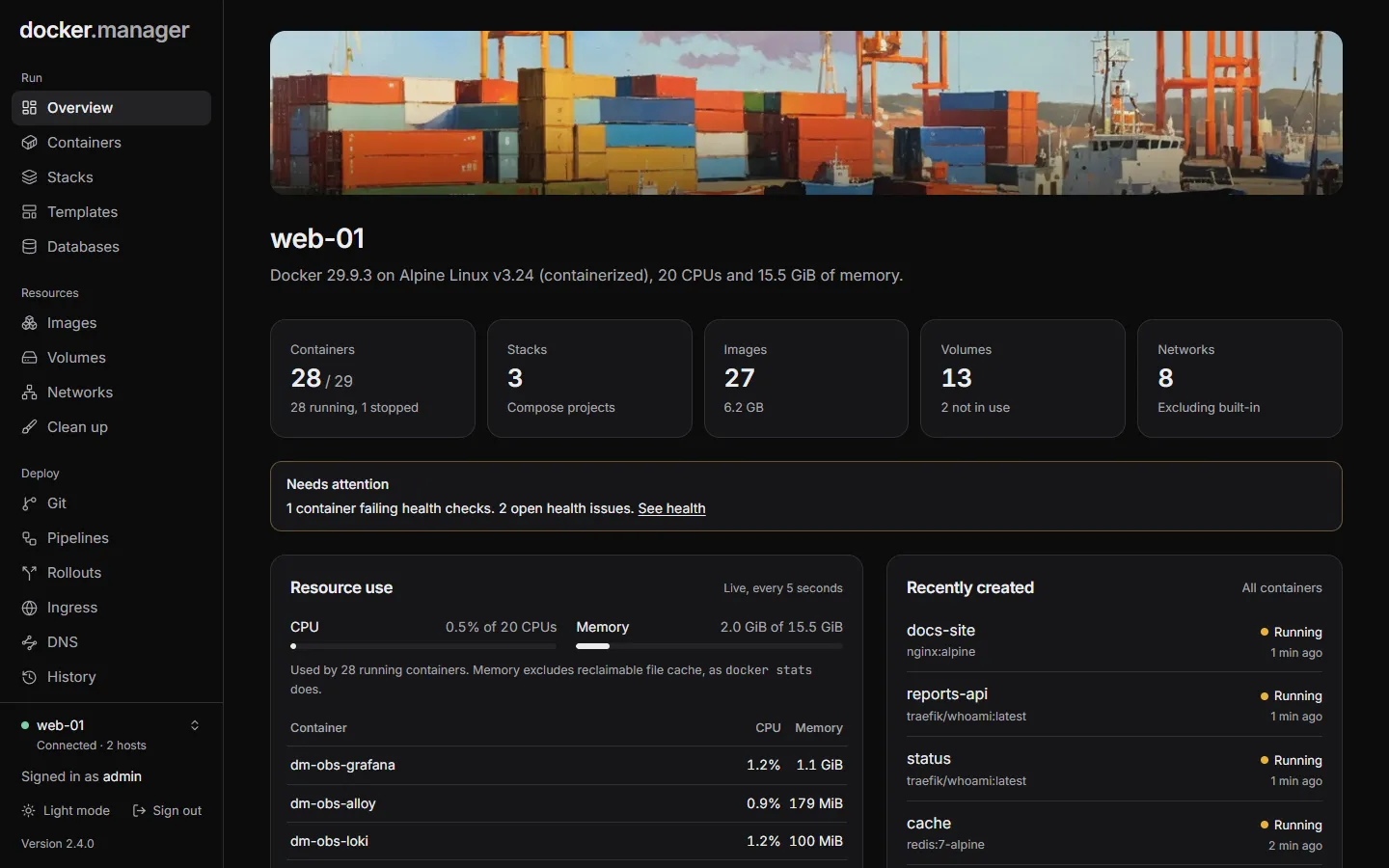
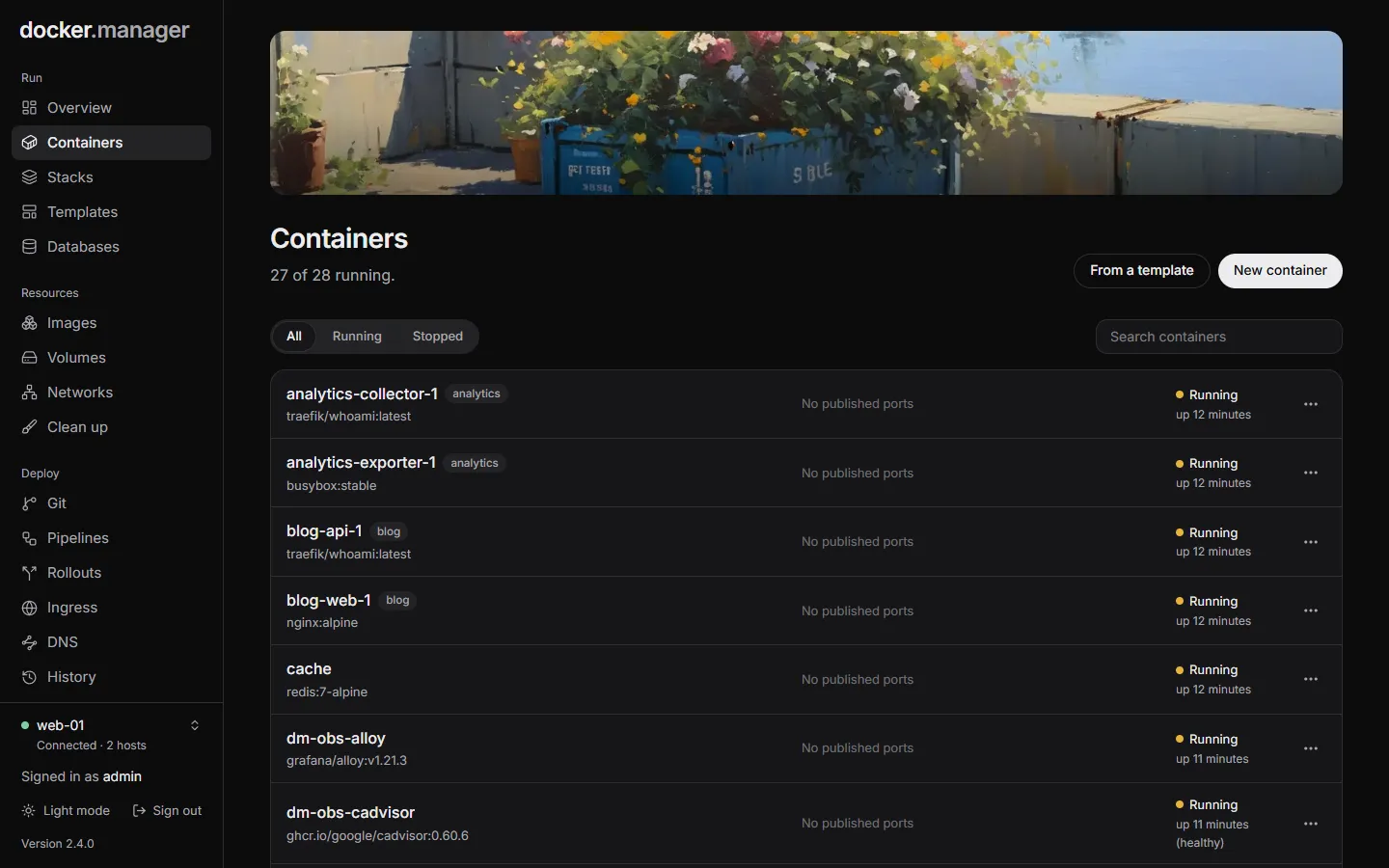
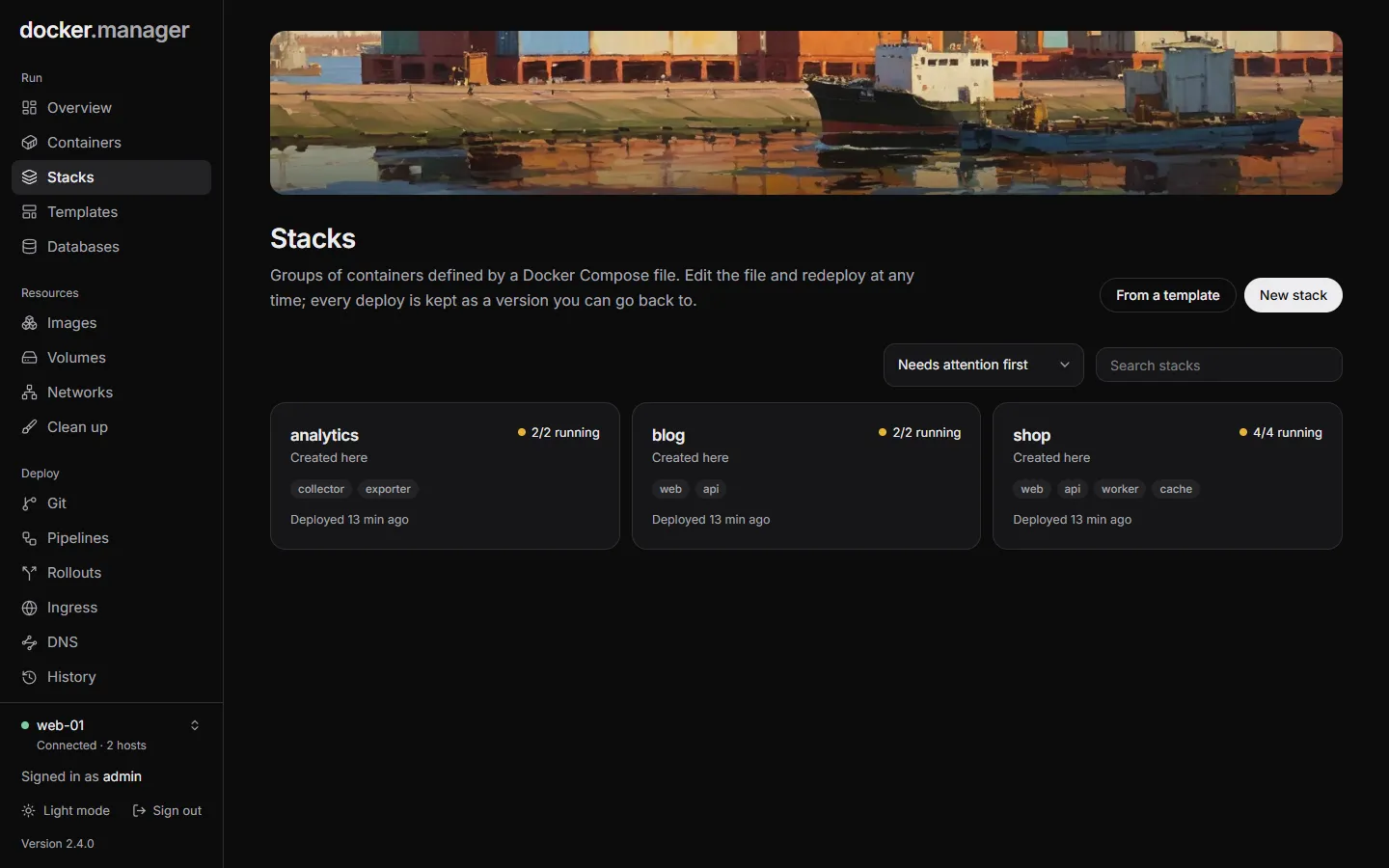
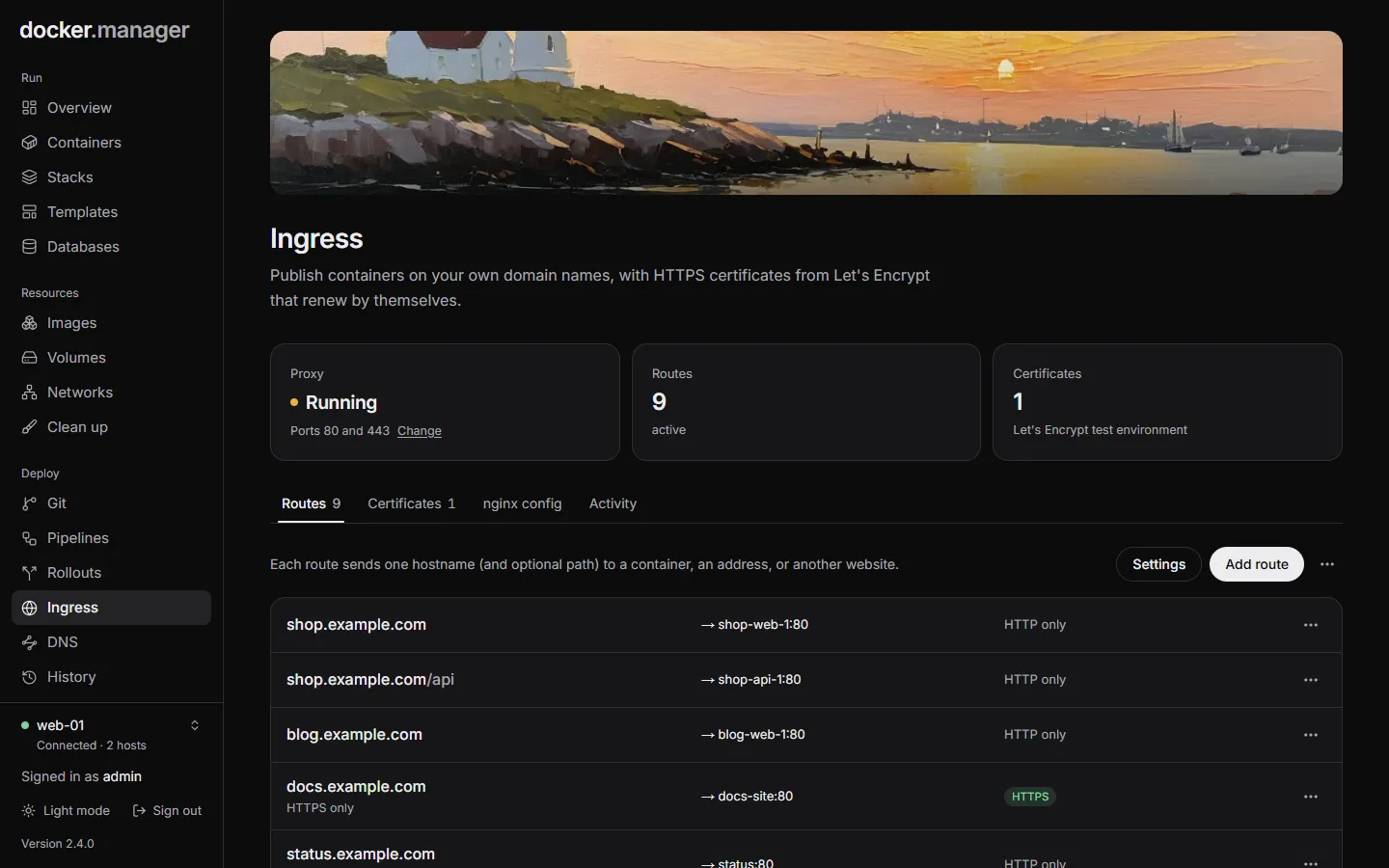
Everything a Docker server needs
The tools you'd otherwise set up one by one, already connected to each other. Publish a container and it gets its certificate and its DNS record, and with observability on, its logs and metrics show up in Grafana.
Containers and stacks
Start, stop, read logs, open a shell and edit containers. Compose stacks keep every deploy as a version you can go back to.
How it worksIngress and HTTPS
Publish containers on your own domains through a built-in proxy, with Let's Encrypt certificates that renew themselves.
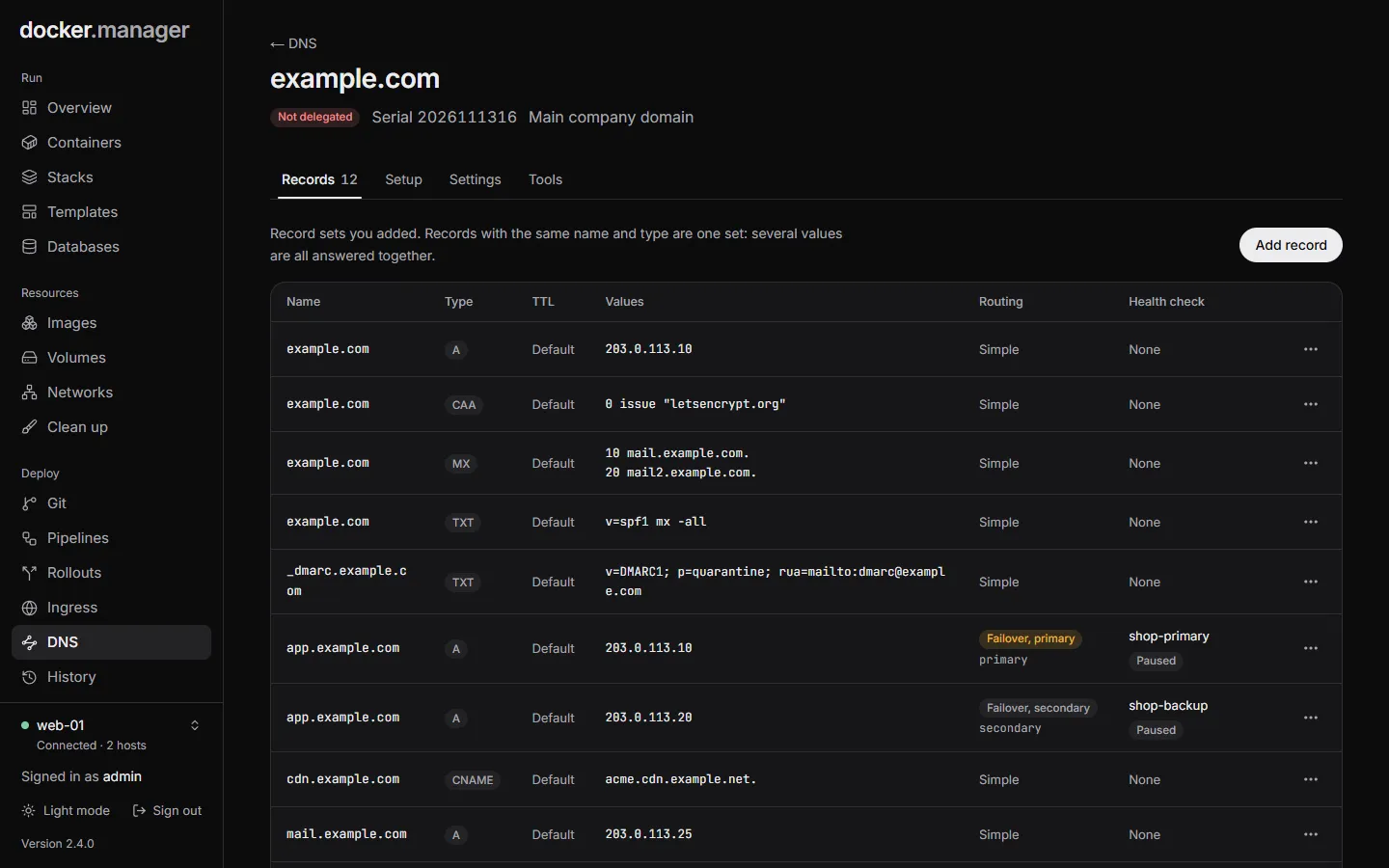
How it worksDNS
Host your domains' DNS on the server, like Route 53. Routes get their records by themselves, with DNSSEC and failover.
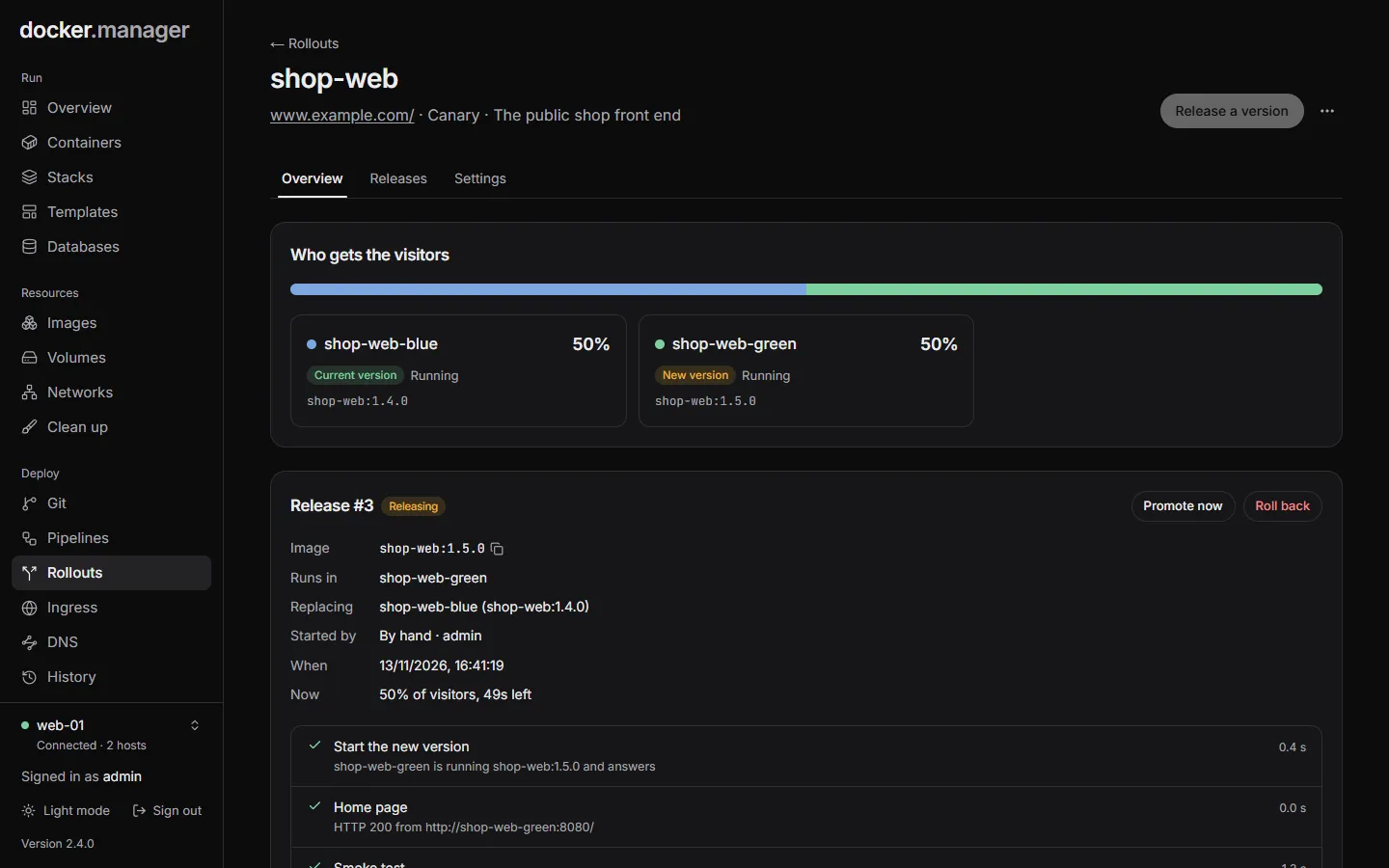
How it worksRollouts
Blue/green and canary releases, with tests before visitors see a new version and automatic rollback.
How it works
Git and pipelines
Connect a repository and build and deploy on every push, with pipelines for your tests.
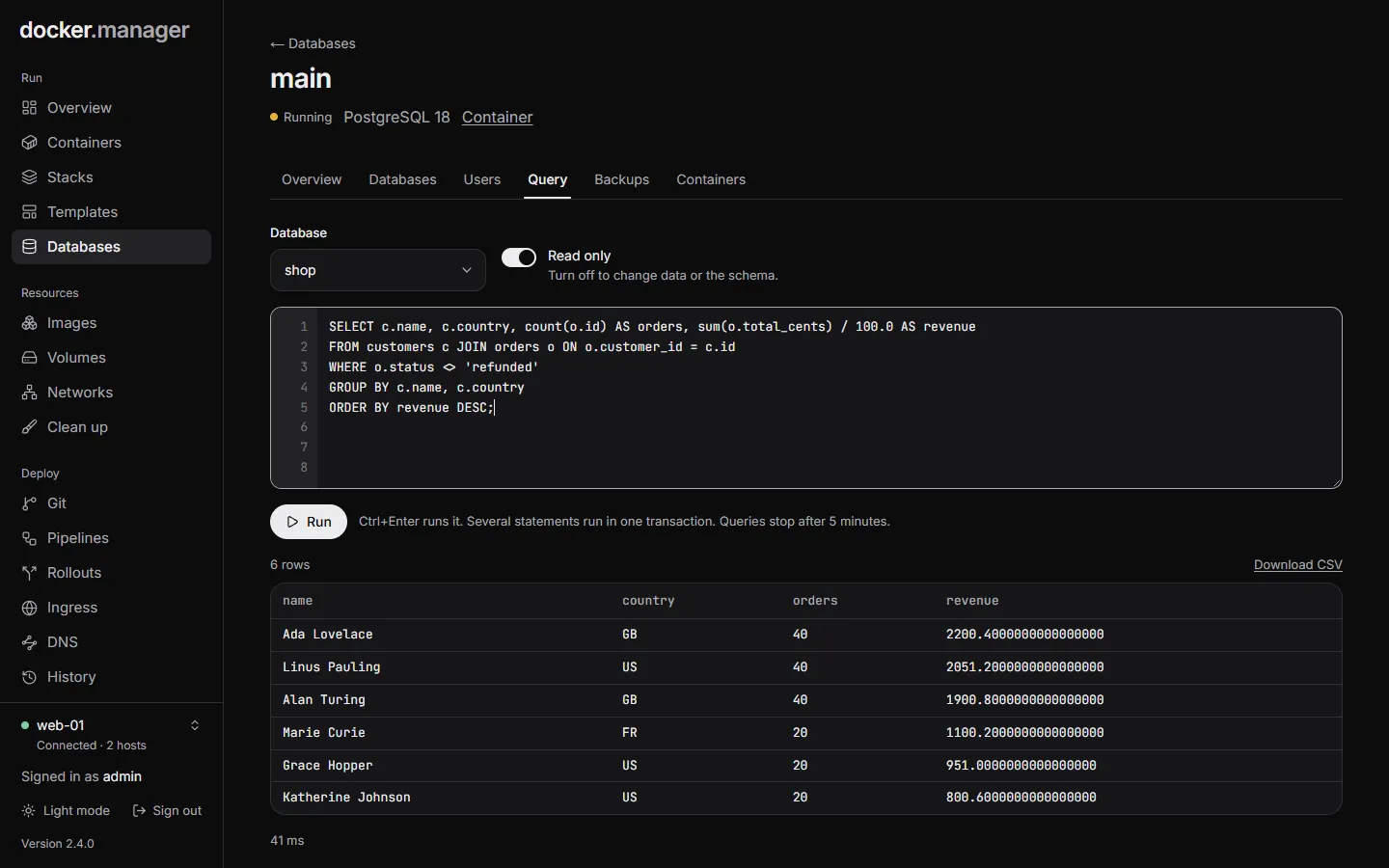
How it worksPostgreSQL databases
Servers with secure defaults, a SQL console, users and access, scheduled backups and copies to S3.
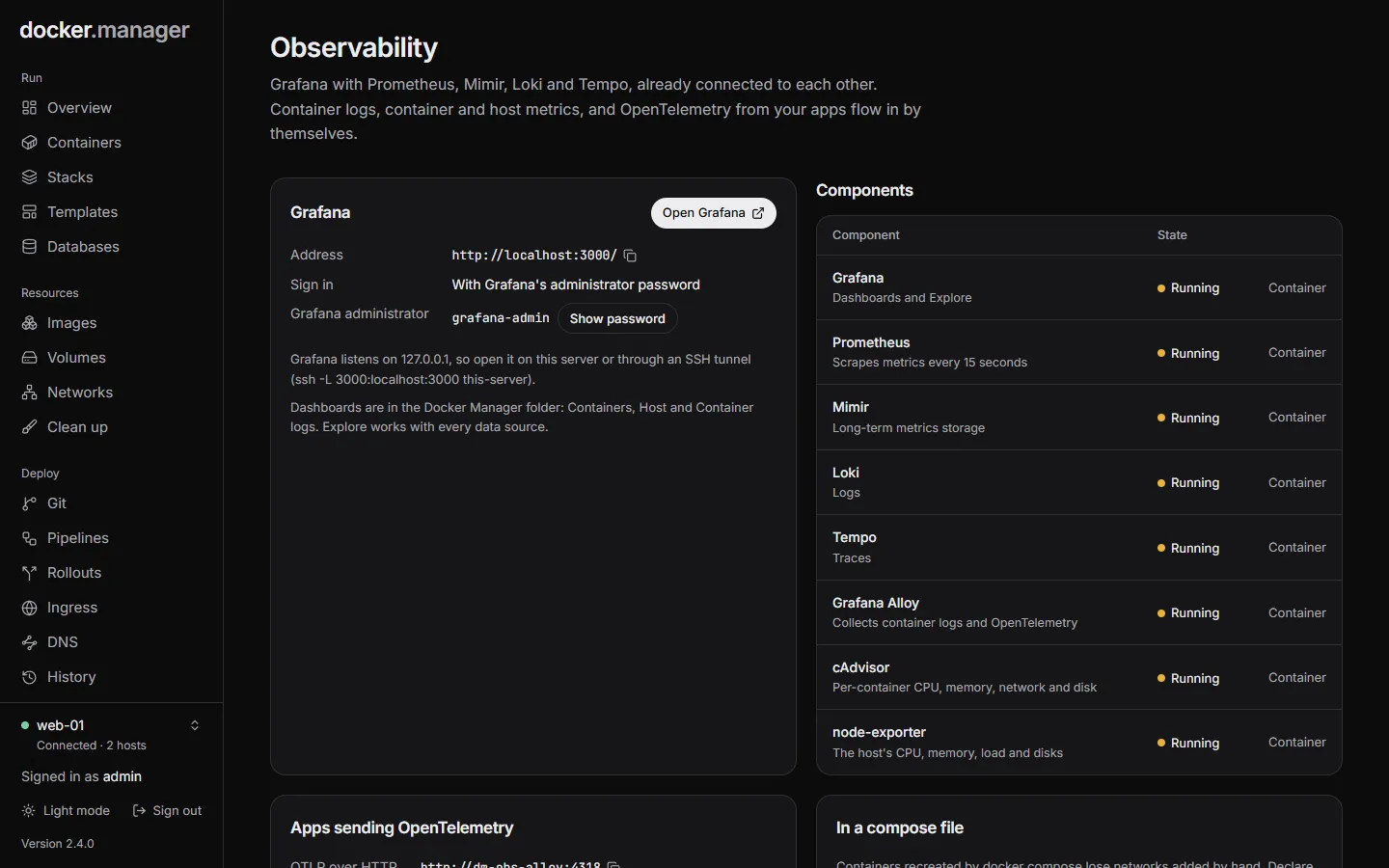
How it worksObservability
Grafana with Prometheus, Mimir, Loki and Tempo, already connected, collecting logs, metrics and traces.
How it works
Security scanning
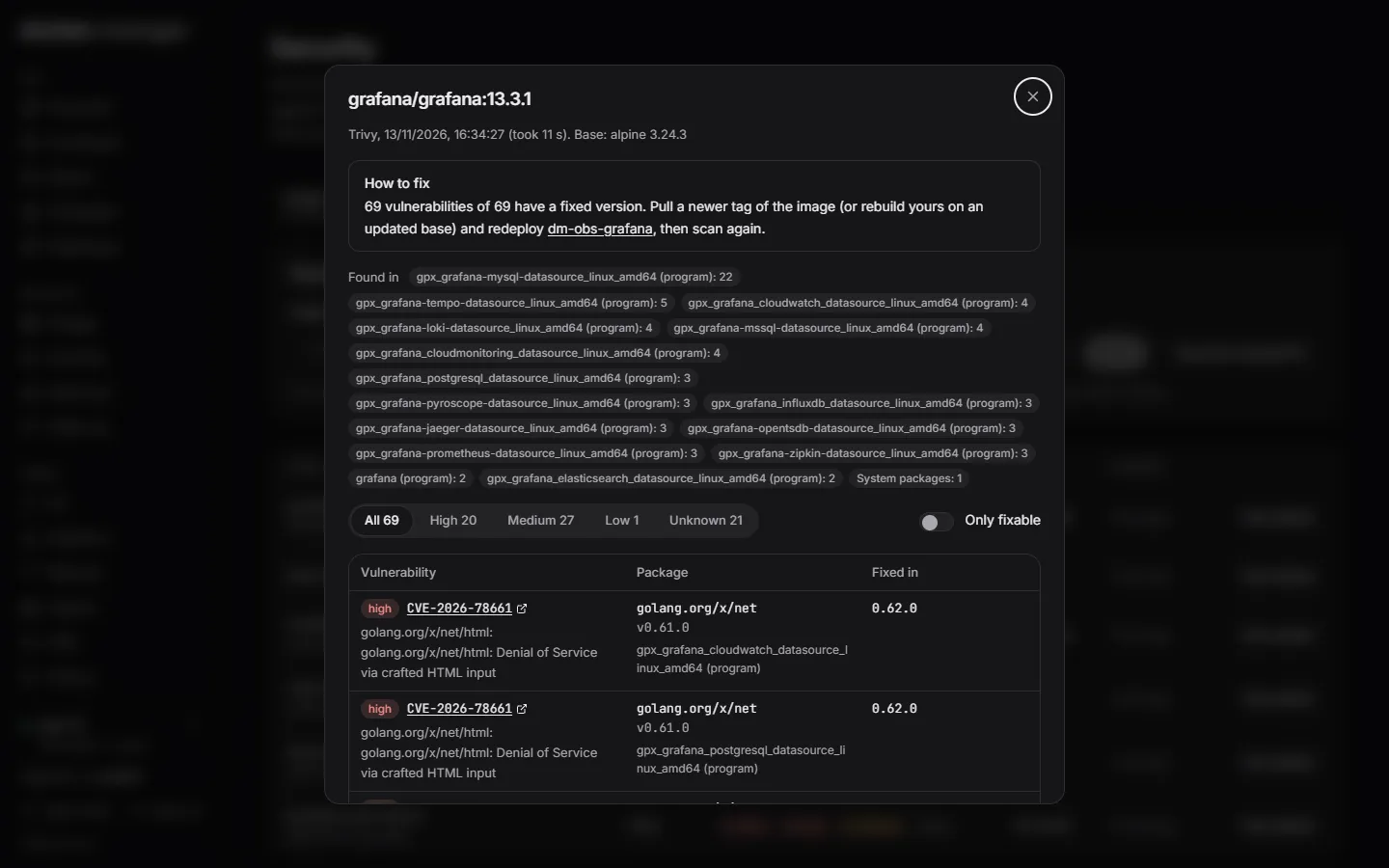
Scan images with Trivy or Docker Scout, check the host against the CIS Docker Benchmark, and fix findings in a click.
How it works
Private registry
Your own Docker registry with its own users, served over HTTPS through ingress or kept on the server.
How it works
Also:Health checks and email alertsRemote hosts over TLS or SSHUsers, roles and permissionsImage rulesApp templatesHistory with undo
Built for homelabs, developers and small teams
One container, everything included
Containers, stacks, ingress, DNS, databases, observability, a registry and scanning. No separate tools to wire together.
Free, with no feature gates
MIT licensed and developed in the open. No subscriptions, no licence fees and no paid tier.
Changes you can take back
Edits keep volumes and put the original back if the new container doesn't start. Every change is recorded, with one-click undo.
Ready for a team
Users with roles and per-host permissions, an audit log, email alerts, and sign-in pages in front of your apps.
Up and running in a minute
Save this as docker-compose.yml on your server and run docker compose up -d. Then open port 8080 and sign in as admin with the password printed bydocker logs docker-manager.
Start it
Run one container with access to Docker. The host it runs on is added automatically.
Sign in
Sign in as admin with the password from the container logs, then choose your own.
Add your apps
Start from a template, paste a compose file, import what's already running, or connect a git repository.
services:
  docker-manager:
    image: wannaverse/docker-manager:latest
    container_name: docker-manager
    pull_policy: always
    restart: unless-stopped
    ports:
      - "8080:8080"
    volumes:
      - /var/run/docker.sock:/var/run/docker.sock
      - docker_manager_data:/app/database
      - /opt/docker-manager/stacks:/opt/docker-manager/stacks
      - /opt/docker-manager/git-repos:/opt/docker-manager/git-repos
    environment:
      - BASE_URL=http://your-server:8080

volumes:
docker_manager_data:Just trying it out?
docker run -d -p 8080:8080 -v /var/run/docker.sock:/var/run/docker.sock wannaverse/docker-managerOr describe it all in one file
Hosts, users, containers, stacks, ingress routes, DNS zones, databases, rollouts and pipelines can all live in one YAML file. Preview the changes, apply them, and keep the file in git. Think of it as CloudFormation or Terraform for your Docker server.
Docker Manager puts back anything the file manages if it's removed by other means, and locks it in the interface so nobody changes it by hand.
version: 1

containers:
  api:
    host: web-01
    image: ghcr.io/acme/api:1.4.0
    env:
      PORT: 8080
    memoryMb: 512

ingress:
  web-01:
    acmeEmail: ops@example.com
    routes:
      api:
        hostname: api.example.com
        container: api
        port: 8080
        tls: lets-encrypt
        httpsRedirect: true

databases:
  main:
    host: web-01
    superuserPassword: ${env:PG_ADMIN_PASSWORD}
    backups: { intervalHours: 12, keep: 14 }
    databases:
      app: { owner: app }
Your server, your rules, no monthly bill.
Install Docker Manager, add your apps, and run them like you have a platform team.