
History and activity
Docker Manager keeps two records: History, the changes made to containers with what they looked like before and after, so you can undo them; and Activity, a log of who did what, when and from where.
History
Section titled “History”History (under Deploy in the sidebar) lists every change made to containers on the selected host through Docker Manager: created, changed, started, stopped, restarted and removed containers, and stacks deployed and taken down. Each entry shows when it happened, who did it and how long it took. Use the menu at the top to show one kind of change.
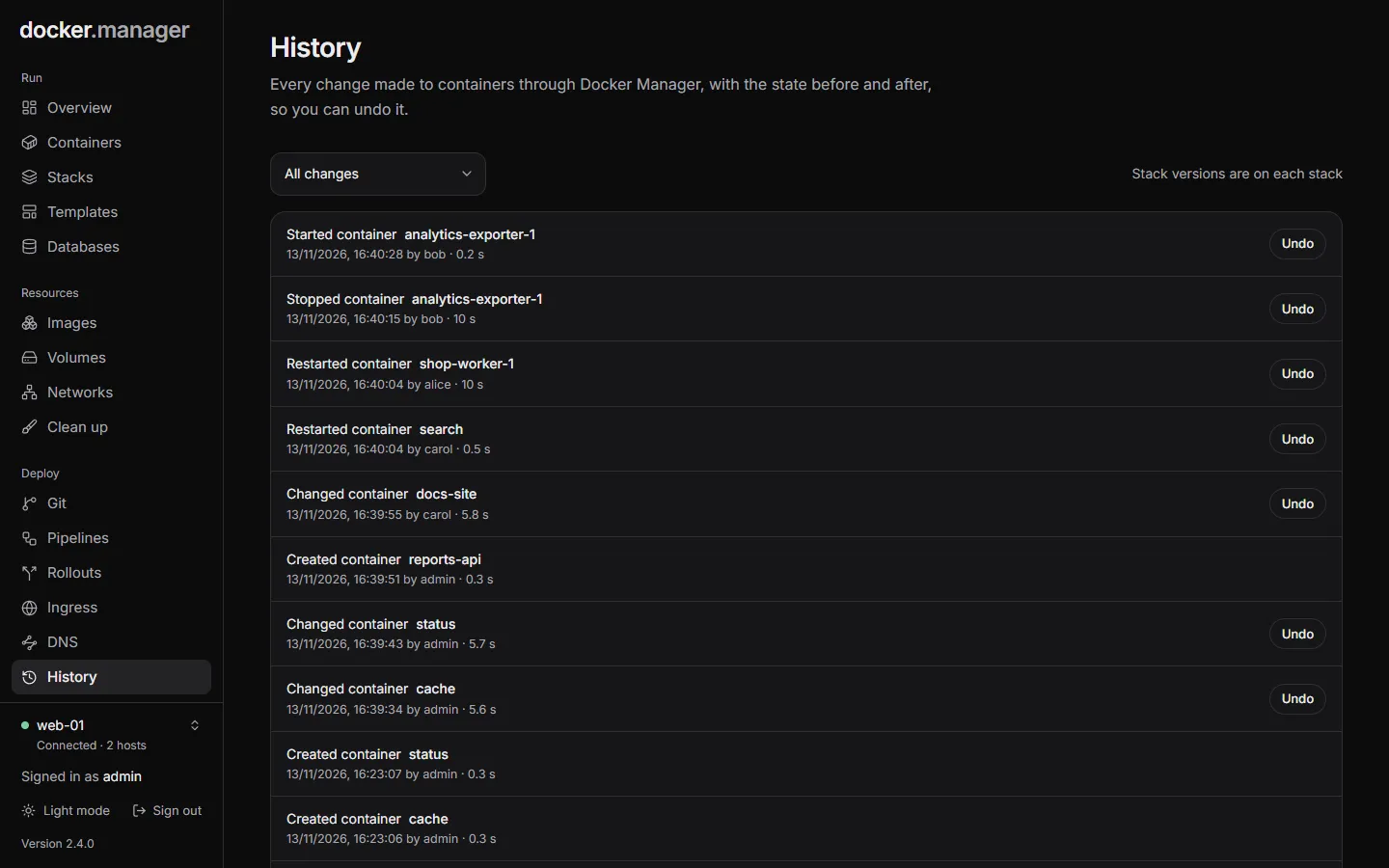
Undo a change
Section titled “Undo a change”- Find the change in History, or on the container’s own History tab.
- Choose Undo and confirm.
What undo does depends on the change:
| Change | Undo |
|---|---|
| Created a container | The container is removed. |
| Changed a container | The container goes back to how it was before. |
| Removed a container | The container is recreated from its saved settings. Data in named volumes is still there; data that only lived inside the container is not. |
Undone changes are marked undone, and failed ones failed. Undo is only offered for changes that can be undone.
Stack versions
Section titled “Stack versions”Stacks keep their own history: every deploy is saved as a version on the stack’s Versions tab, where you can Roll back to an earlier compose file. See Compose stacks.
How long history is kept
Section titled “How long history is kept”Container history, finished git deployments and pipeline runs, and the ingress log are kept for 90 days. Resolved health events are kept for 30 days.
Activity
Section titled “Activity”Activity (administrators only, under Watch) shows who changed what, and when: changes such as creating, changing, deleting and deploying things, and the commands run in containers’ consoles, with the user (or system) and the address it came from.
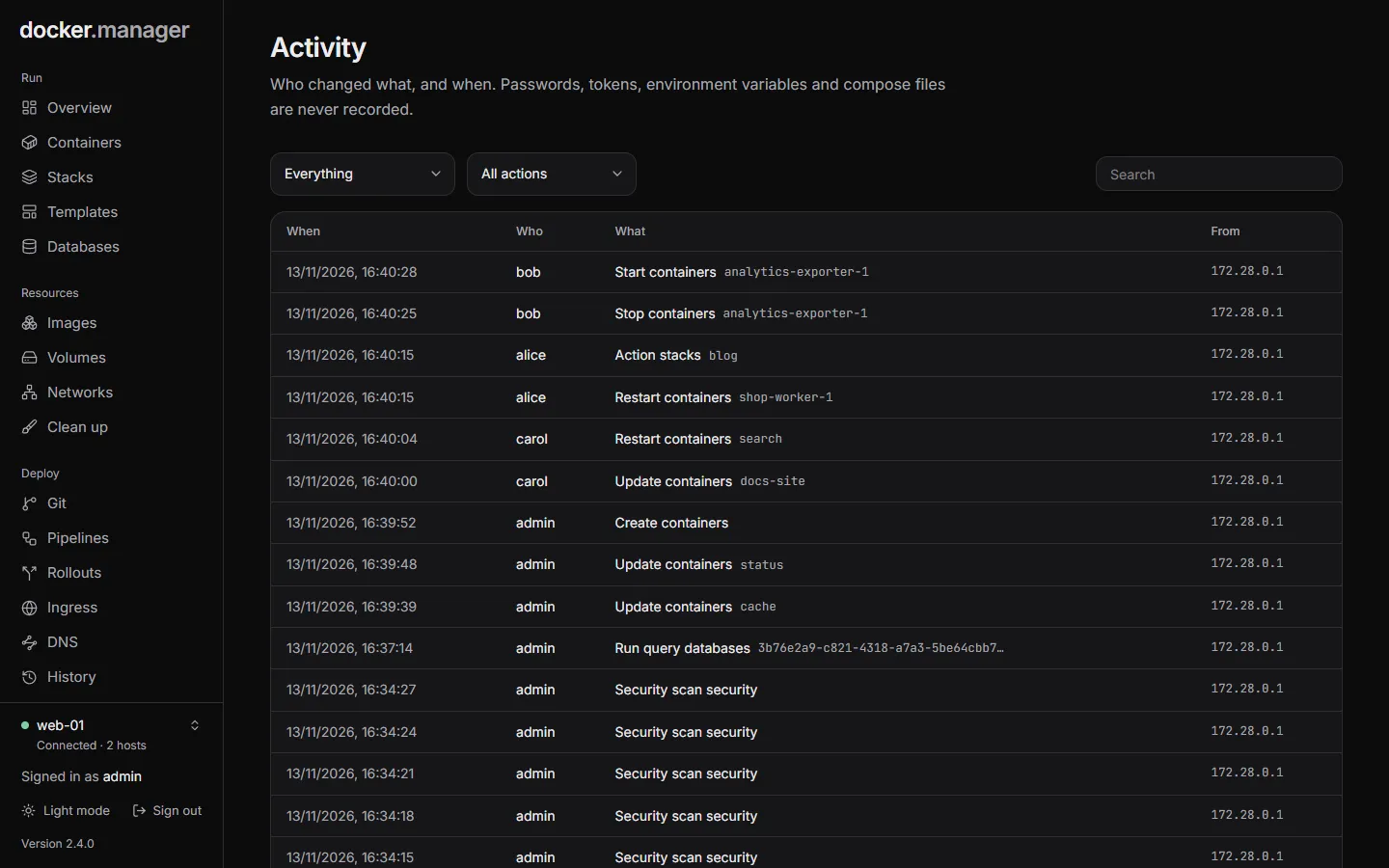
Filter it by Area (containers, stacks, users and so on) and Action, or search it. Failed actions are marked failed.
Passwords, tokens, environment variables and compose files are never recorded.